Changing Settings
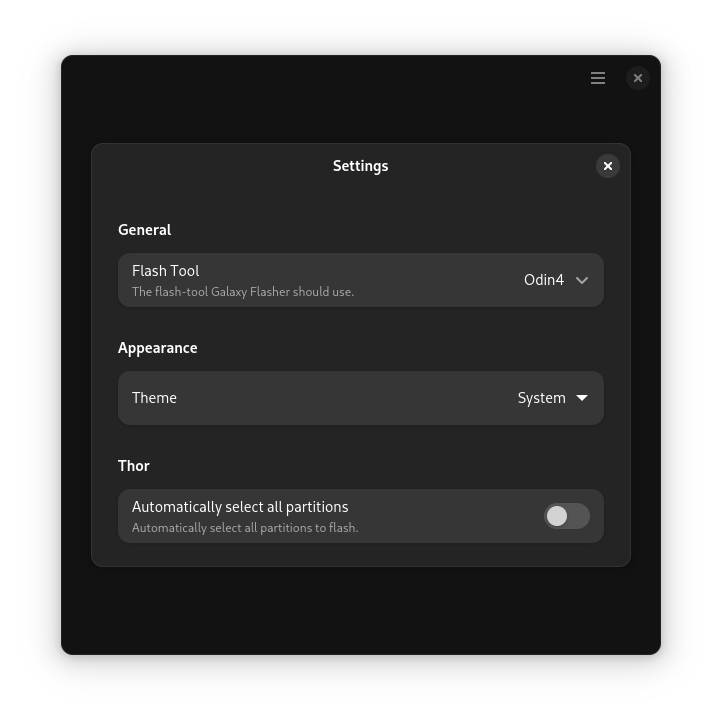
Galaxy Flasher has a few settings that you can change. To change them, click the hamburger icon (three stacked lines) in the upper right corner of the Start Page.
Here is a list of settings that can be changed:
Flash Tool - The flash-tool Galaxy Flasher should use.
Theme - The theme you would like Galaxy Flasher to use.
Automatically select all partitions - This automatically selects all of the partitions from the files you select, instead of asking you what ones you would like to select. This preference only applies to Thor.